Header
The preset title bar runs across the top of the editor. It provides preset navigation, global plugin actions, and access to the About overlay. The menu button has a chapter of its own: Menu.
Controls
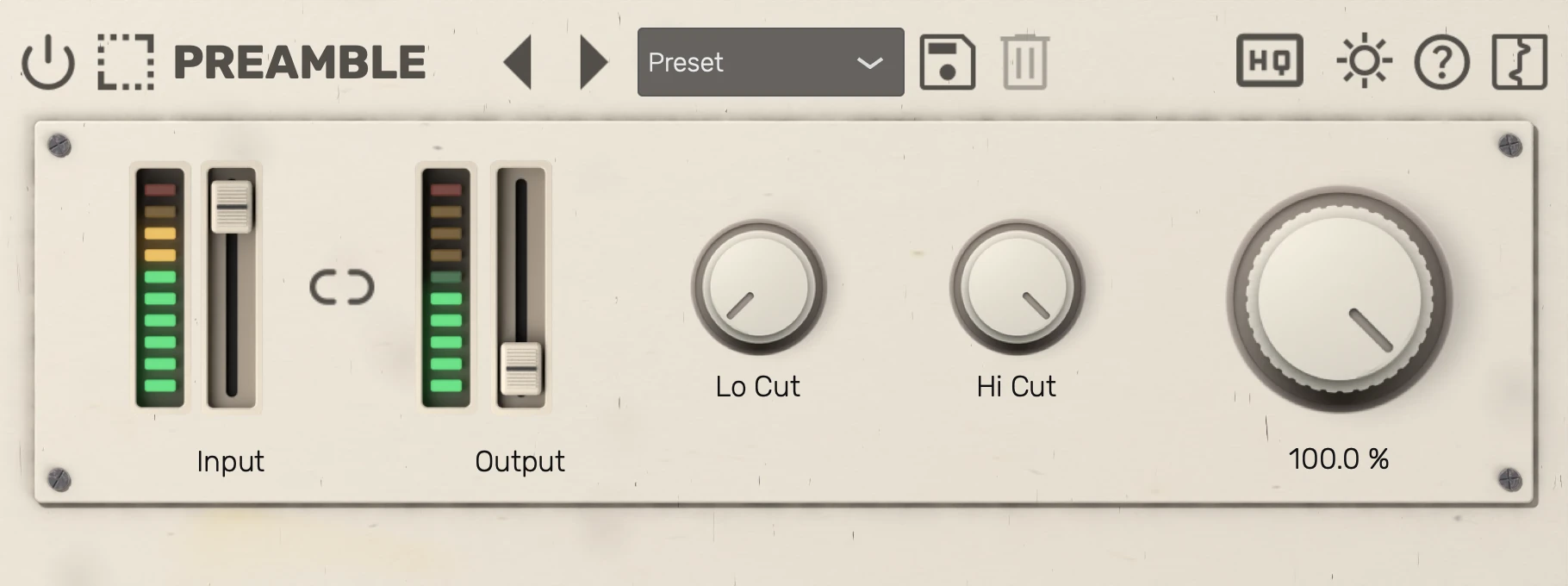
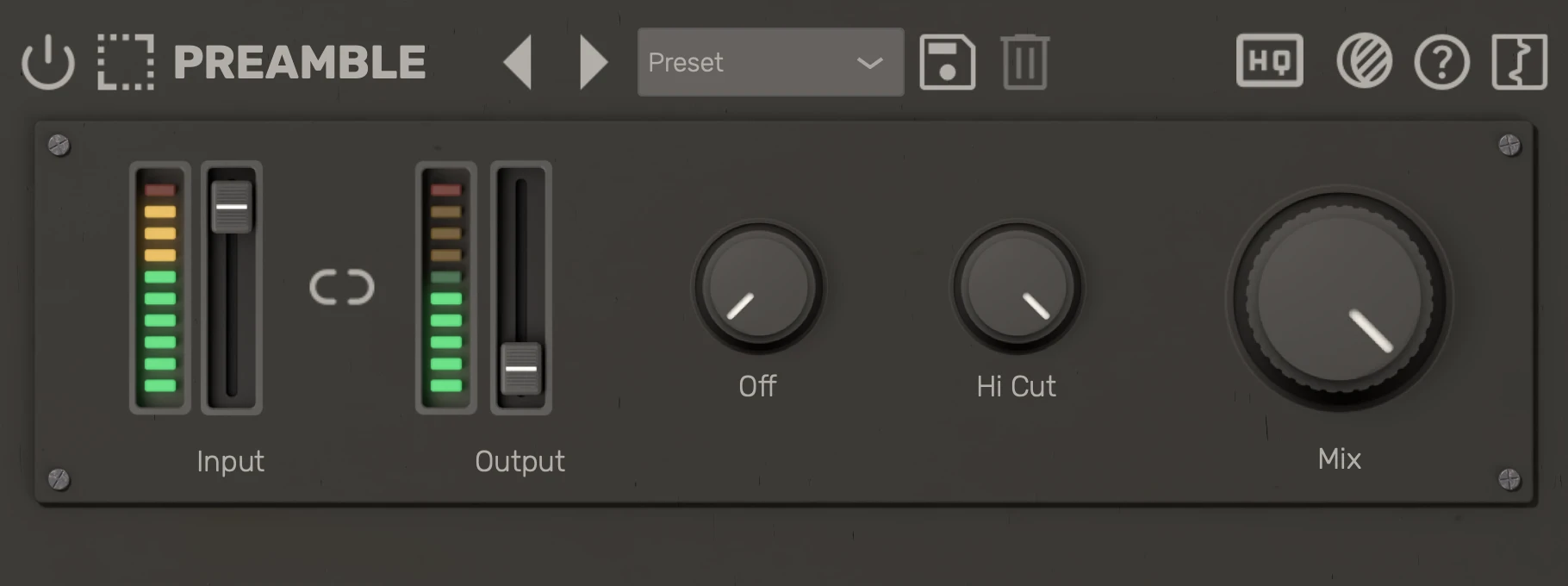
| # | Control | Description |
|---|---|---|
| 1 | Bypass | Dry signal passes through unchanged. |
| 2 | Previous preset | Load the previous factory or user preset. |
| 3 | Next preset | Load the next factory or user preset. |
| 4 | Preset selector | Select a preset; changes load immediately. |
| 5 | Save preset | Save the current settings as a new preset. |
| 6 | Delete preset | Delete the selected user preset. |
| 7 | Menu | Theme, oversampling, the manual and more. |
| 8 | Logo | Show the version, credits and third-party software. |
Tips
- Factory presets ship with the plugin, and your own presets are saved to your user preset folder. See Presets for the preset browser, saving, deleting and where presets are stored.