Ducking
The Ducking section reduces delay level when input signal is present — useful for keeping echoes out of the way of dry material.
Controls
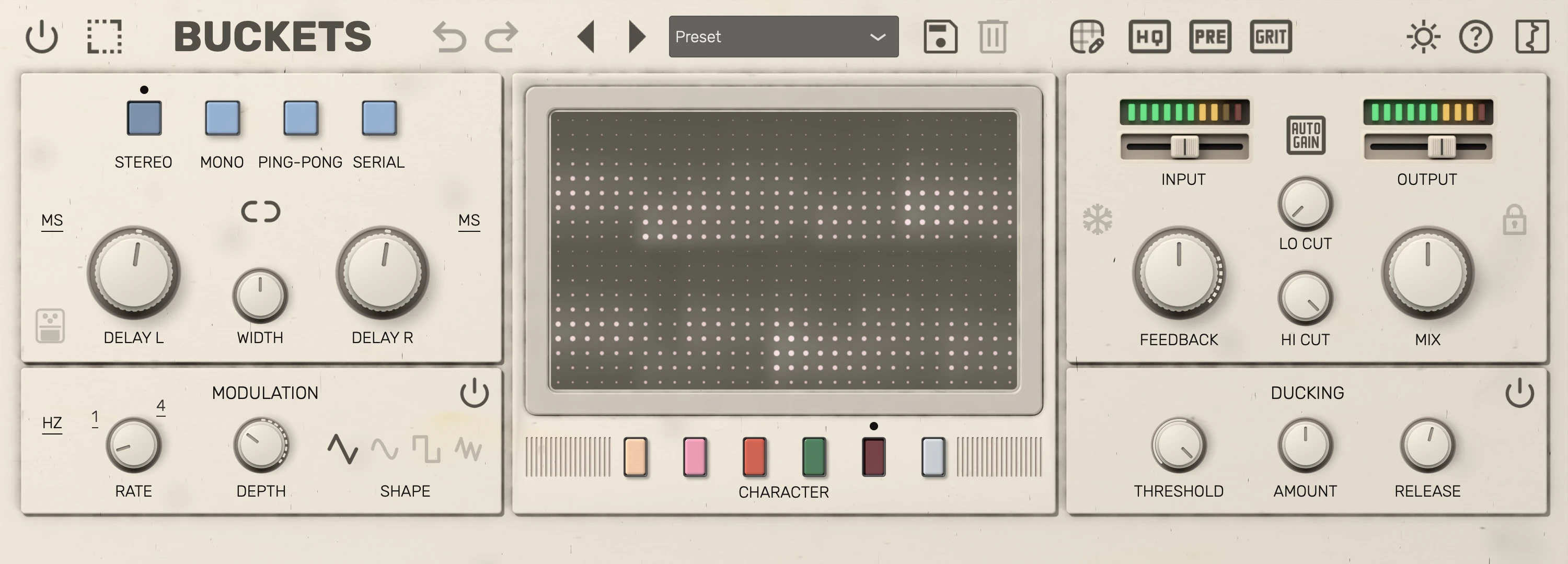
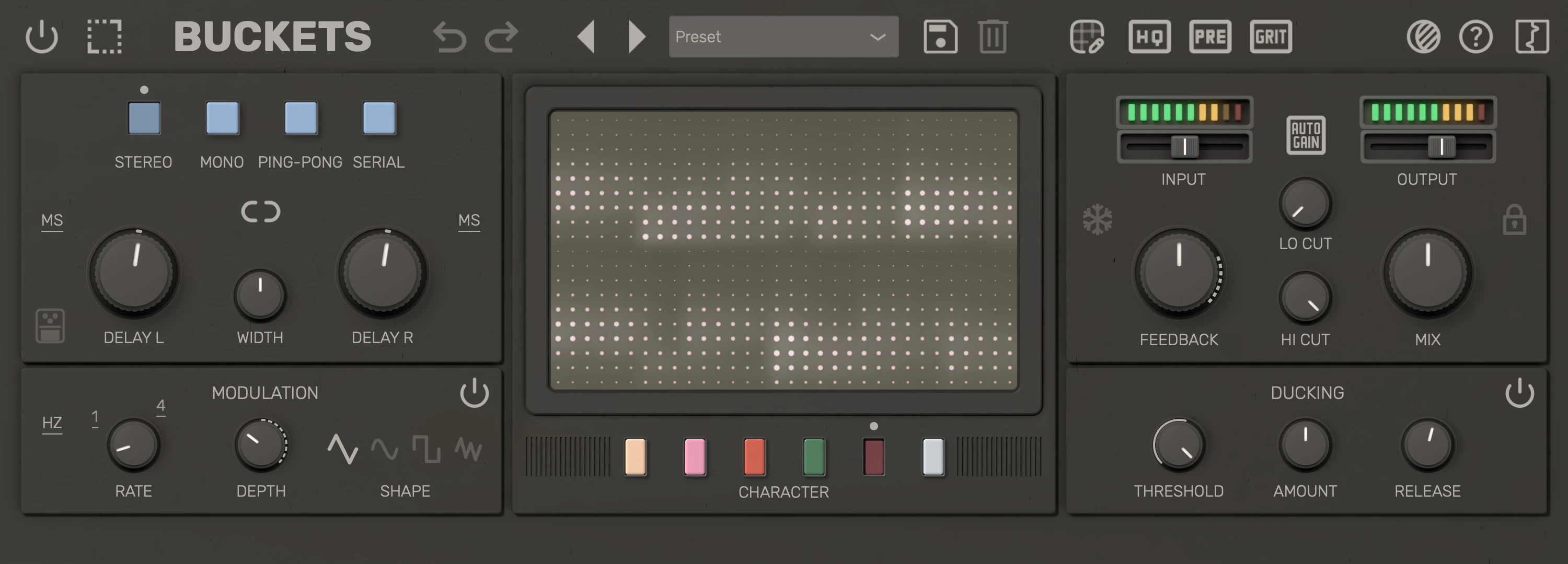
| # | Control | Description |
|---|---|---|
| 1 | Duck bypass | Turn ducking off; the delay level is no longer reduced by the input. |
| 2 | Duck threshold | Input level (dB) that triggers ducking of the delay. |
| 3 | Duck amount | How much the delay is reduced when ducking. |
| 4 | Duck release | Time (ms) for ducking to recover after the signal drops. |
Tips
- Set threshold just below the level of the material you want to duck against.
- Higher amount pushes the delay further down during active passages.
- Longer release lets echoes swell back in more slowly after notes stop.
- Hover over the section to show its power button, which bypasses ducking; the delay returns to full level almost instantly, whatever the release time. While ducking is bypassed the button stays visible at reduced opacity, and loading a preset doesn't change the bypass state.