Header
The preset title bar runs across the top of the editor. It provides preset navigation, global plugin actions, and access to the About overlay.
Controls
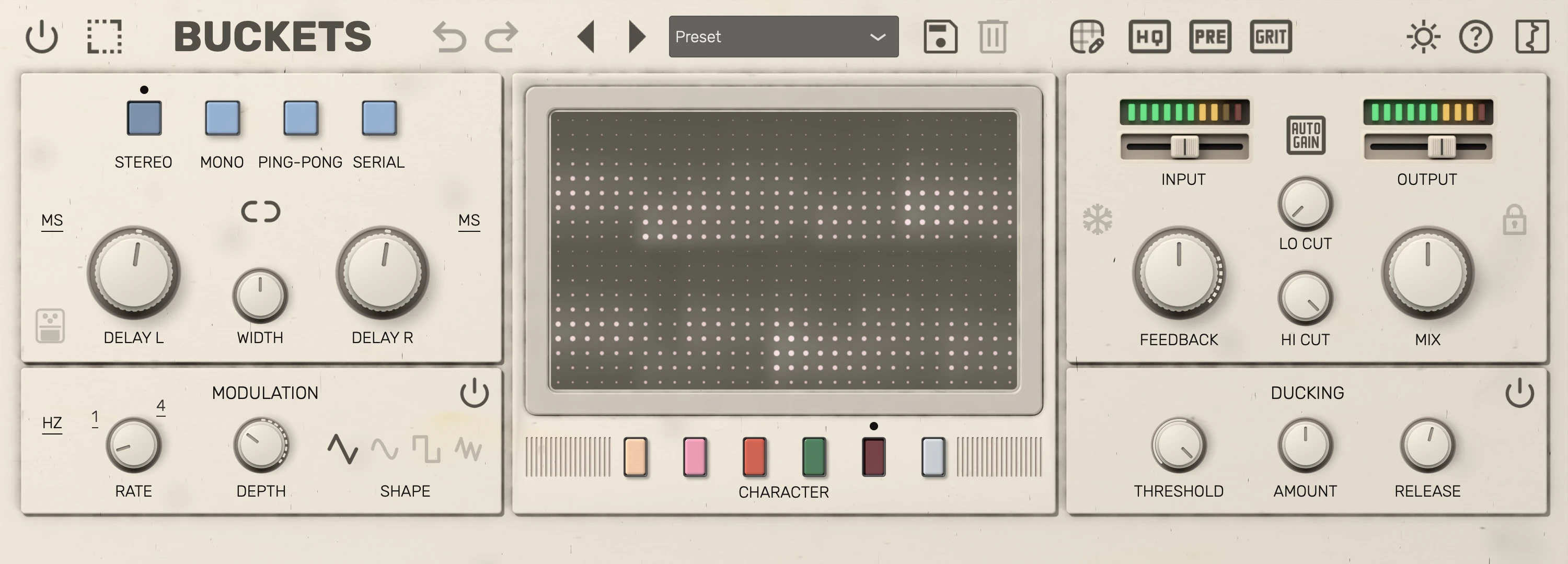
| # | Control | Description |
|---|---|---|
| 1 | Bypass | Dry signal passes through unchanged. |
| 2 | Resize | Editor view scale (50% to 150%). |
| 3 | Undo | Undo your last change. |
| 4 | Redo | Redo the change you undid. |
| 5 | Previous preset | Load the previous factory or user preset. |
| 6 | Next preset | Load the next factory or user preset. |
| 7 | Preset selector | Select a preset; changes load immediately. |
| 8 | Save preset | Save the current settings as a new preset. |
| 9 | Delete preset | Delete the selected user preset. |
| 10 | X/Y edit | Edit X and Y pad parameter assignments. |
| 11 | HQ | Toggle between high/normal quality neural model. |
| 12 | PRE | Preamp on Mix dry; on non-Silver characters also into the delay. |
| 13 | GRIT | Add the character's bucket-brigade clock grit, which grows with longer delay times. |
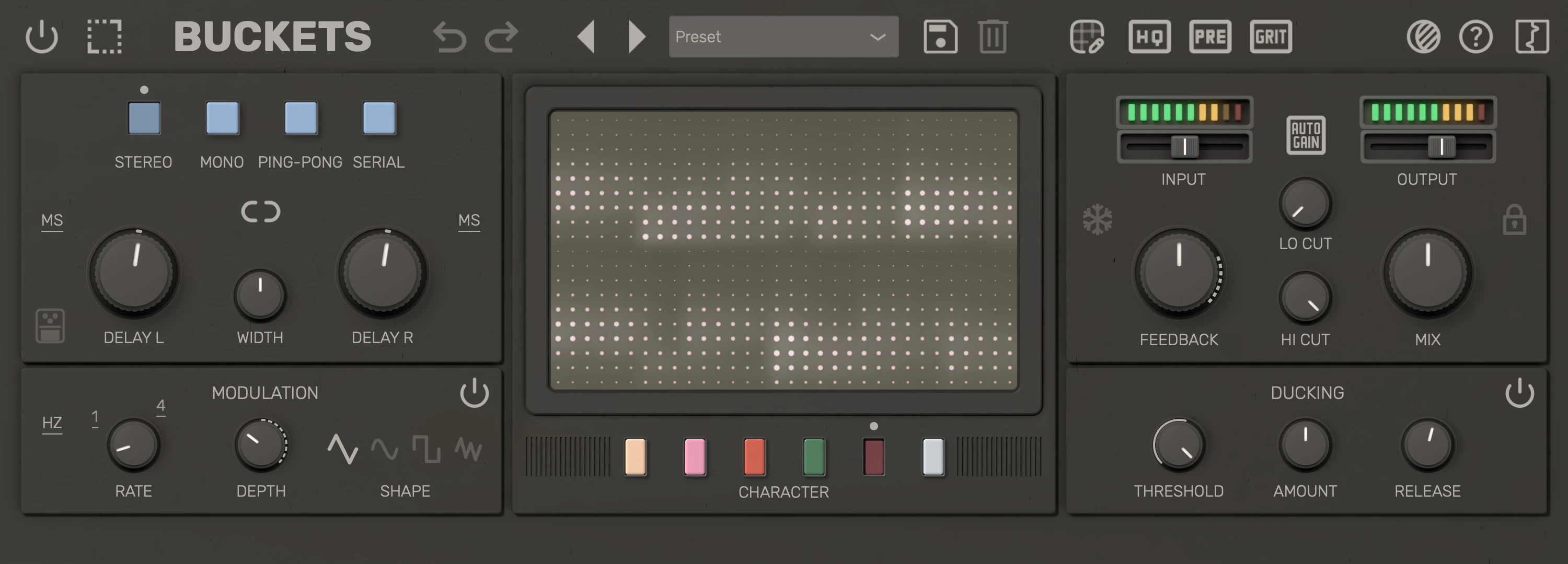
| 14 | Theme | Choose a colour theme. |
| 15 | Help | Open the user manual in your browser. |
| 16 | Logo | Show the version, credits and third-party software. |
Tips
- Undo and Redo step back and forward through your last 100 changes: every knob, switch and selector you move, and every preset you load. Undoing a preset load also puts the previous preset name back. Theme changes, host automation and MIDI CC are not recorded. The history lasts while the plugin is loaded, even with its window closed, and clears when your DAW reloads the session.
- The PRE toggle enables a preamp emulation from the Silver character model. It is processed on the signal before entering the dry and wet paths, except for the Silver model where it only runs on the dry path since the Silver model already includes it at all times. It is level-matched: typical material stays as loud with PRE on, but the top end softens and loud input is compressed.
- The GRIT toggle adds the clock aliasing of the character's bucket-brigade chip: the fizz and edge a BBD pedal gets from sampling the signal at its clock rate. Each character is tuned against its pedal, and the grit fades in as the delay time gets longer, because a longer delay runs the BBD clock slower. GRIT is on by default, automatable, and saved in host project state; it is not stored in preset files, so loading a preset keeps your current GRIT setting.
- Factory presets ship with the plugin, and your own presets are saved to your user preset folder. See Presets for the preset browser, saving, deleting and where presets are stored.
- Mix lock (in the Signal section) prevents preset changes from moving the Mix control — useful when comparing presets at a fixed blend.
- The HQ toggle trades CPU for neural model quality; leave it on for final mixes if your system allows.