Modulation
The Modulation section applies an LFO to delay time, creating chorus-like, vibrato, or tape-wobble effects.
Controls
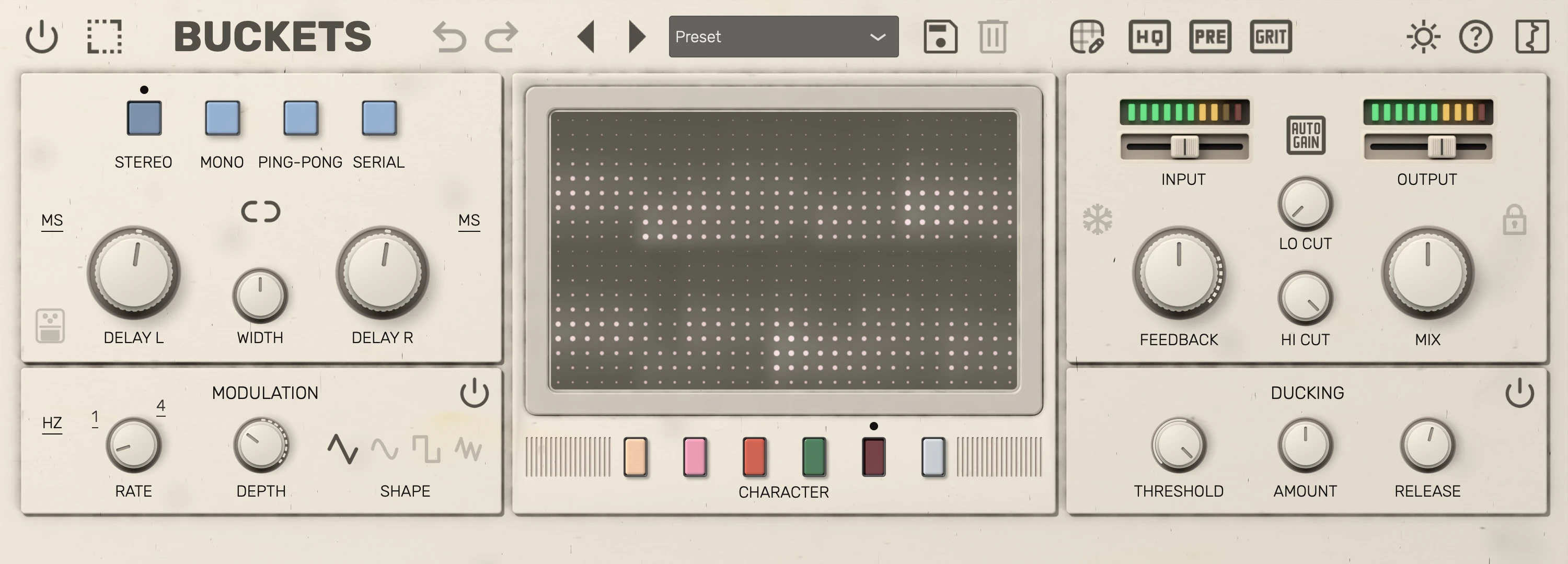
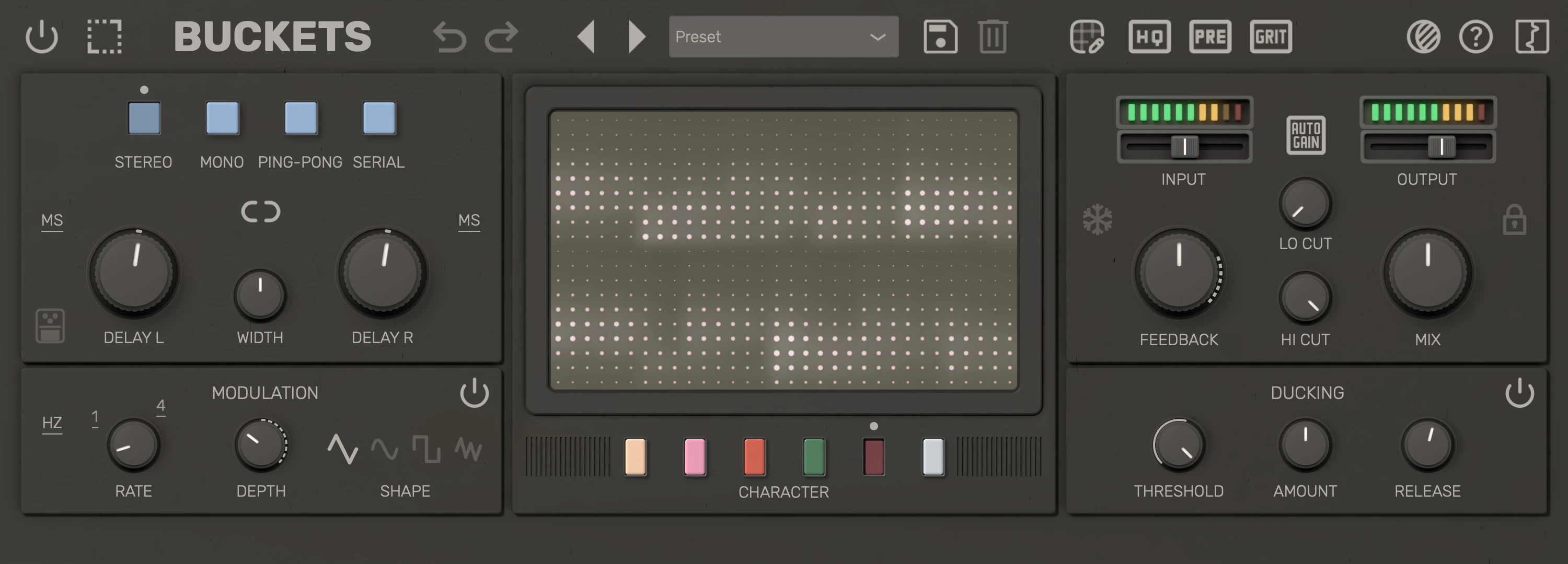
| # | Control | Description |
|---|---|---|
| 1 | Mod bypass | Turn modulation off; the delay time stays steady. |
| 2 | Mod time mode | Hz (times per second) or synced note divisions. |
| 3 | Mod rate | Speed of the delay-time modulation. |
| 4 | Mod depth | How much the delay time is modulated. Dashes show where modulation is extreme or experimental. |
| 5 | Triangle | Smooth triangle waveform for delay-time modulation. |
| 6 | Sine | Sine waveform for delay-time modulation. |
| 7 | Square | Flips the clock each half cycle, so the echoes jump sharp or flat until they have played through. |
| 8 | Random | Ramps between random levels of delay-time modulation each cycle. |
Tips
- Low depth with moderate rate adds subtle movement; high depth produces obvious pitch modulation.
- Switch mod time mode to sync the modulation rate to host tempo when you want rhythmic modulation.
- Depth reaches as far as a Deluxe Memory Man: at full Depth the delay time swings at least ±5 % of its setting, so long echoes and fast rates warble hardest. Short delays never drop below a fixed amount of pitch bend, so they still move at slow rates; on a very short delay with a slow rate the swing is limited by the delay time itself.
- The ring around each Delay knob follows the modulation that delay is actually getting, so it shrinks where a short delay time or an extreme rate holds the swing back.
- Use the random modulation shape with a low depth for adding subtle life to the signal.
- Hover over the section to show its power button, which bypasses modulation. While modulation is bypassed the button stays visible at reduced opacity, and loading a preset doesn't change the bypass state.